

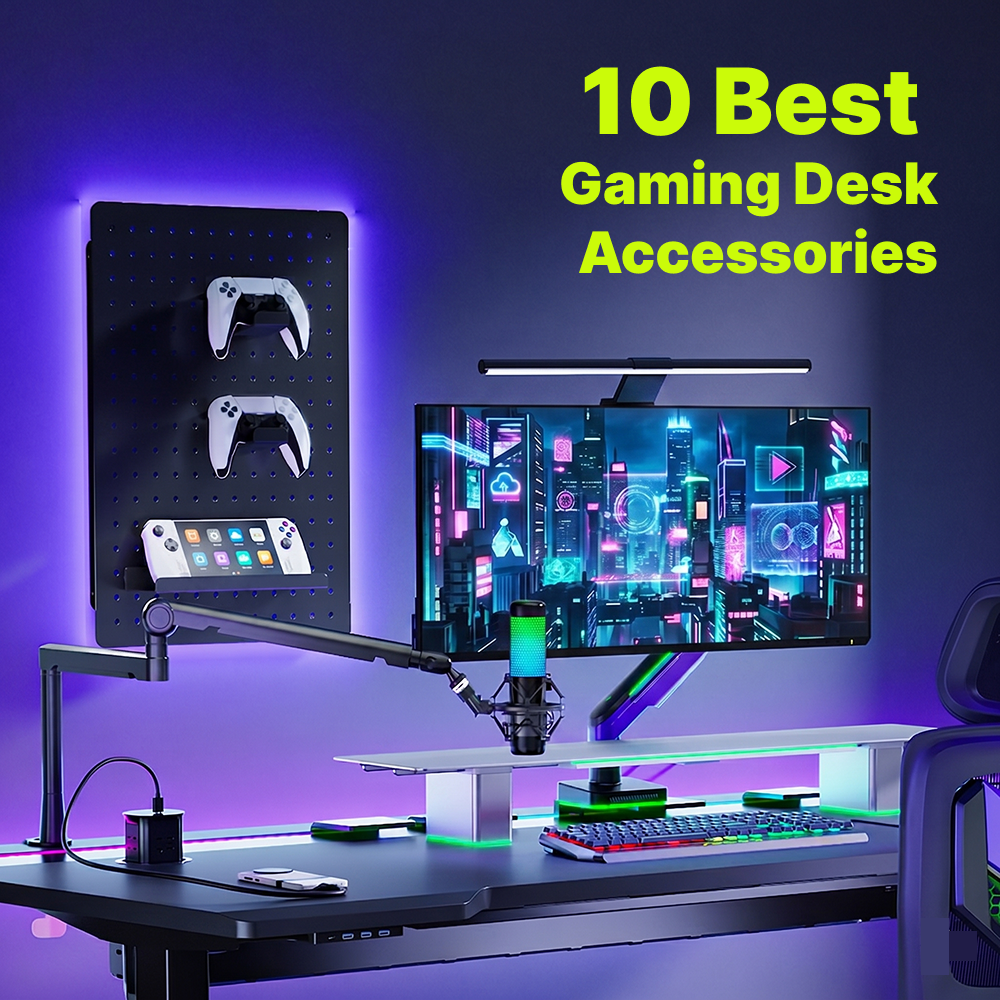
With GTA 6 confirmed to feature a living, breathing Vice City on November 19, 2026, the demand for immersive gaming setups is hitting an all-time high[1]. We’ve rounded up 10 essential accessories for better ergonomics, smarter cable management, and excellent performance in gaming room ideas 2026. Are you ready?
🎮Top 10 Must-Have Gaming Desk Accessories
⚡Quick Checklist: Top 10 Must-Have Accessories
| No. | Accessory Name |
|---|---|
| 01 | Monitor Mounts / Arms |
| 02 | Monitor Stand |
| 03 | Under-Desk Cable Management Trays |
| 04 | Extended Gaming Mouse Pad |
| 05 | Smart RGB Lighting Kits |
| 06 | Anti-Fatigue Mat |
| 07 | Gaming Desk Pegboard |
| 08 | USB Docking Station |
| 09 | Adjustable Keyboard Tray |
| 10 | Studio Boom Arm |
1. Monitor Mounts / Arms
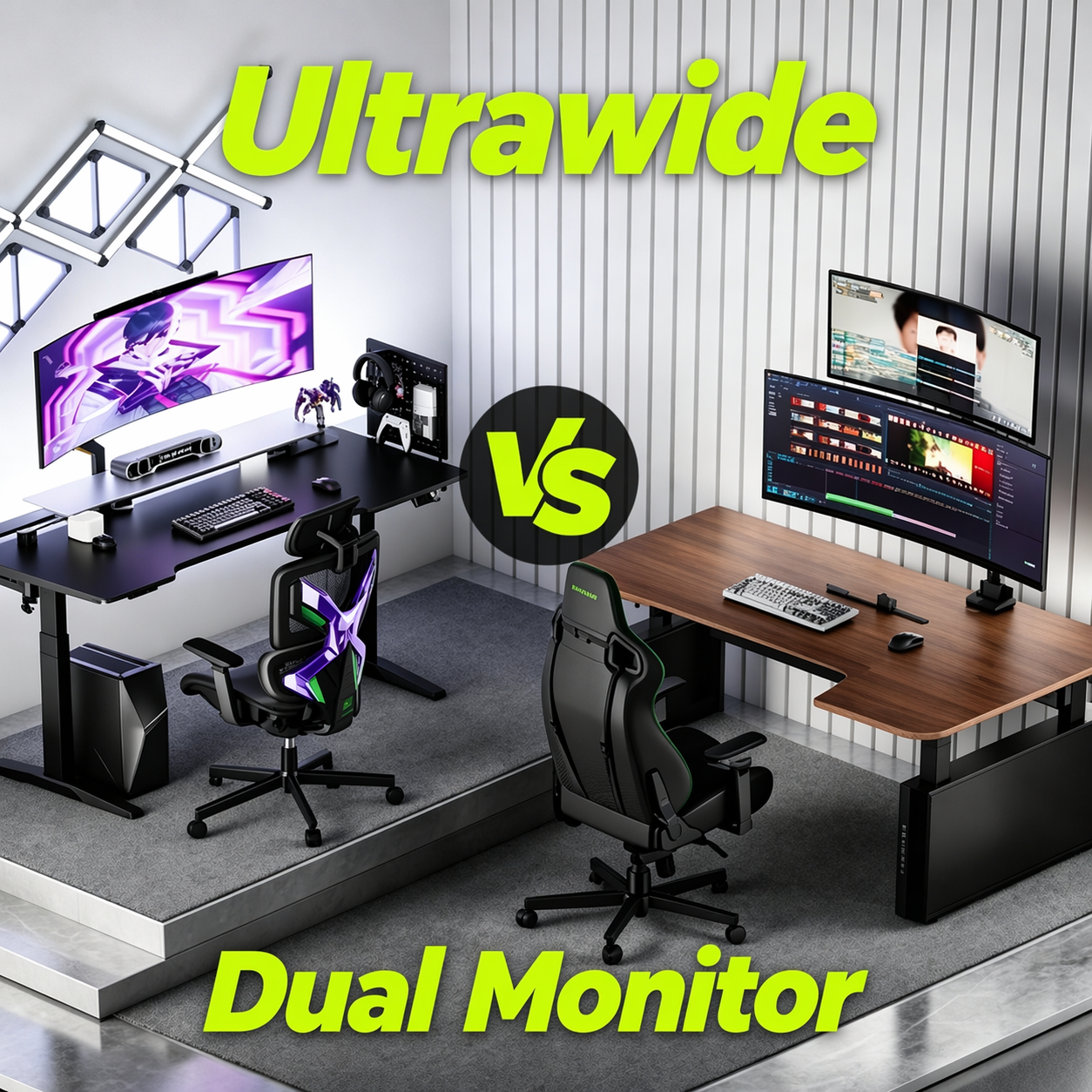
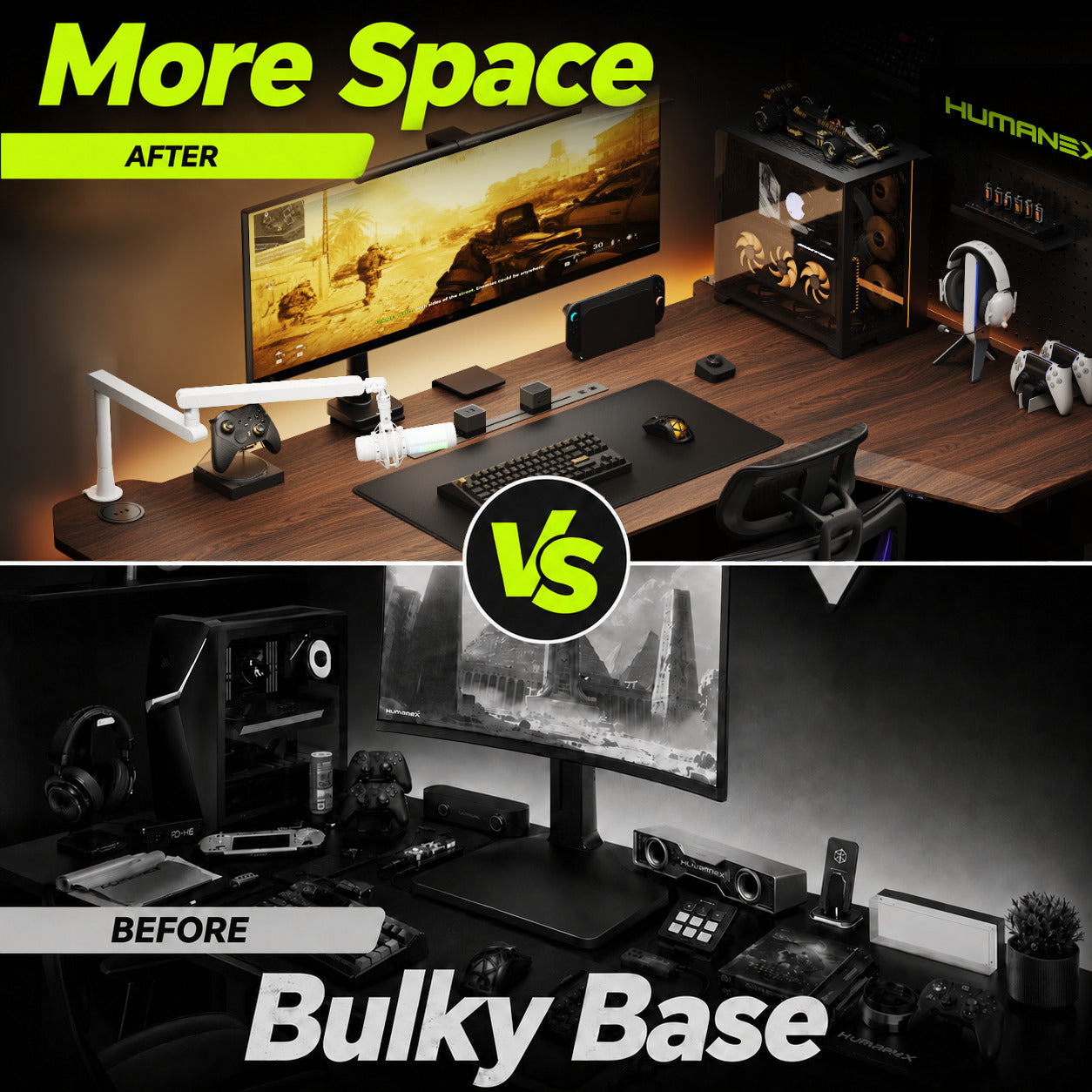
According to the latest market intelligence from TrendForce, large-sized and high-curvature monitors are rapidly becoming the gold standard for modern gaming setups[2]. A premium monitor arm meets this exact need, allowing you to fluidly adjust height, tilt, and rotation with a single touch. Elevating your heavy display not only reclaims valuable desk space but secures the precise ergonomic viewing angle needed to eliminate eye and neck strain during marathon sessions.

2. Monitor Stand
A sleek monitor stand adds a professional, layered look to any gaming desk. It raises your screen to eye level for better posture while creating extra storage space underneath. Tucking your keyboard and mouse under the stand when not in use instantly cleans up your workspace.

3. Under-Desk Cable Management Trays
Nothing ruins a beautiful, high-tech setup faster than a tangled rat's nest of wires. Mastering cable management gaming setups is crucial for both aesthetics and safety. Under-desk trays bolt or clamp to the bottom of your desk, holding heavy power strips and hiding excess cords.
4. Extended Gaming Mouse Pad
A standard mouse pad simply doesn't cut it for modern gaming. An extended desk mat covers the area under both your keyboard and mouse, providing a massive, frictionless surface. It acts as a protective layer for your desk and dampens heavy keyboard typing sounds.
5. Smart RGB Lighting
No gaming room is complete without the right ambient vibe. Smart 5V 3PIN RGB LED strips placed behind your desk or monitors create stunning bias lighting. This not only reduces eye strain in dark rooms but allows you to sync your room's colors with your motherboard ecosystem (like Razer Chroma) for maximum immersion.
6. Anti-Fatigue Mat
If you use a height-adjustable standing desk for your marathon gaming or streaming sessions, an anti-fatigue mat is non-negotiable. These thick, cushioned mats relieve the pressure on your heels, knees, and lower back, making it significantly easier to stand for hours while you grind ranked matches.
7. Gaming Desk Pegboard
If you're struggling with desktop clutter, a desk-mounted pegboard is a game-changer. It transforms your unused vertical space into a highly organized command center. By utilizing various hooks, shelves, and containers, you can keep your gaming headsets, spare controllers, and cables within arm's reach while keeping your desk surface clear.

8. USB Docking Station
As gamers, we rely on a massive ecosystem of peripherals. A dedicated USB docking station routed seamlessly under your desk means you never have to blindly reach behind your PC case again. It centralizes your connections, keeping your wire routing clean and efficient.
9. Adjustable Keyboard Tray
For ultimate ergonomic control, an adjustable keyboard tray allows you to drop your peripherals below desktop level. This promotes a healthy, relaxed 90-degree elbow angle and frees up the entire top of your desk for other activities.
10. Studio Boom Arm
Stop letting desktop noise ruin your raids. A boom arm suspends your mic, eliminating thumps and bumps. It saves massive desk space and hides messy cables. Swing it in when you’re live; tuck it away when you’re done. Clean, professional, and essential.

💡How to Prioritize Your Upgrades (Buying Guide)
Upgrading your gaming desk accessories doesn't have to happen all at once. If you are building your dream space, here is the smartest way to prioritize your purchases:
- Ergonomics First: A high-performance setup means nothing if it causes you physical pain. According to hardware experts at TechRadar, upgrading to a premium monitor arm is the ultimate ergonomic hack[3]. Monitor mounts for gaming and monitor stands are critical first steps. They prevent long-term neck pain and ensure you can game comfortably.
- Aesthetics Second: Once your body is supported and your desk is functionally sound, it’s time to focus on the visuals. Whether you prefer a sleek, minimalist look or a bold, cyberpunk-inspired red and black aesthetic, layer in your RGB lighting kits and custom mats to inject your unique personality into the setup.
✨Conclusion
As the 2026 gaming landscape grows more competitive, your setup should be more than just a desk—it’s your tactical advantage. By prioritizing ergonomic support and seamless cable management, you aren't just decorating; you’re optimizing for peak performance. Start with the essentials, refine your aesthetic, and transform your workspace into a command center that works as hard as you do. Level up your setup today!

Leave a comment
All comments are moderated before being published.
This site is protected by hCaptcha and the hCaptcha Privacy Policy and Terms of Service apply.