

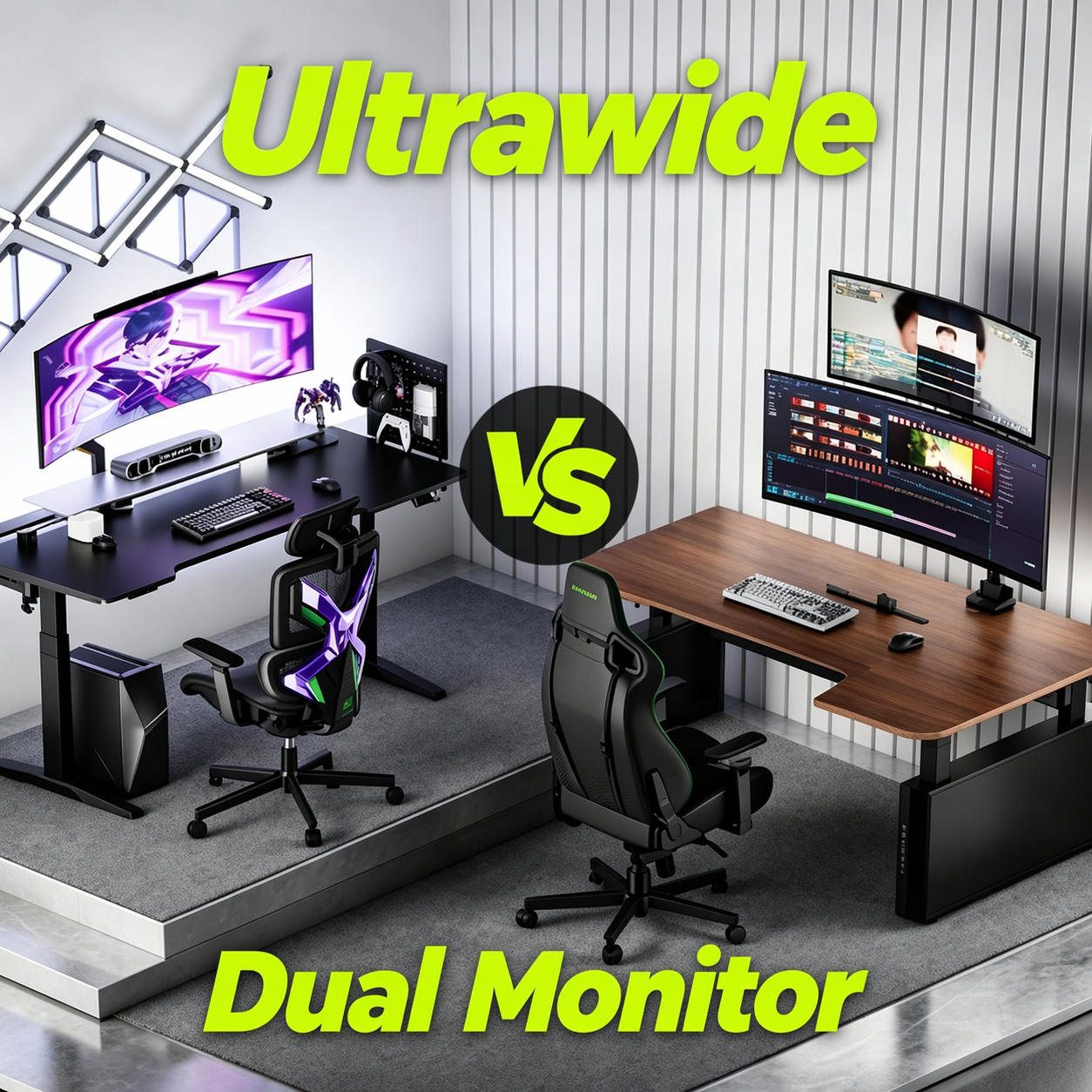
Ultrawide or dual monitors? In 2026, the choice is really about finding the setup that fits your games, your hardware, and the way you actually play. Both can be great—but they shine in different ways.
🎮 The Ultrawide Gaming Experience: Total Immersion
Ultrawide monitors have evolved into a favorite for players who crave depth and realism[1]. With aspect ratios like 21:9 or 32:9, they stretch your field of view far beyond traditional displays.
The Pros of Ultrawide Monitors
- More immersive, less distracting. One wide panel creates a seamless view with no bezel split, making it ideal for racing sims, flight sims, and cinematic RPGs.
- Cleaner desk layout. One screen means fewer cables, less clutter, and a single focal point—especially when mounted on an arm.
- No panel mismatch. Avoid differences in brightness, colour tone, bezel design, or refresh behavior.
- Broader game support. Major AAA titles like Starfield support 21:9 and even 32:10 natively.
🛠️ For this layout, a heavy-duty single arm like the Humanex TX05-1B is a smart choice, supporting screens up to 57'' and high weight capacity—making large ultrawide setups easier to position and manage.
The Cons of Ultrawide Monitors
- Higher GPU load. Wider resolutions push more pixels than standard 16:9 monitors.
- Limited multitasking flexibility. Splitting windows is less intuitive than using two screens.
- Compatibility issues. Some older or niche games may not scale properly.

⚡ The Dual Monitor Setup: Maximum Productivity & Multitasking
If ultrawide is about immersion, dual monitors are about separation and control.
The Pros of Dual Monitors
- Better for mixed use. Easily game while running Discord, OBS, or other apps on a second screen.
- More layout flexibility. Arrange screens side by side, stacked, angled, or mixed orientation.
- Cost-efficient upgrades. Add a second monitor over time instead of replacing everything.
- Better for 16:9 gaming. Many competitive games are optimized for standard aspect ratios[2].
🛠️ For this setup, the Humanex TX03-2G dual monitor arm helps align both screens while freeing up desk space.
The Cons of Dual Monitors
- Alignment issues. Differences in height and bezels can be distracting.
- More desk planning required. Needs more horizontal space and cable management.
- Less immersive. The bezel split can break immersion in gaming.

⚖️ Head-to-Head Comparison: Performance & Usability
GPU Demands: Which Pushes More Pixels?
Ultrawide:
At 3440×1440 or higher, ultrawide setups place greater demand on the GPU by rendering a larger image continuously. Best suited for stronger hardware.
Dual Monitors:
More practical for limited hardware. The main screen handles gaming, while the second runs lighter tasks.
Desk Ergonomics and VESA Mounts
Ultrawide:
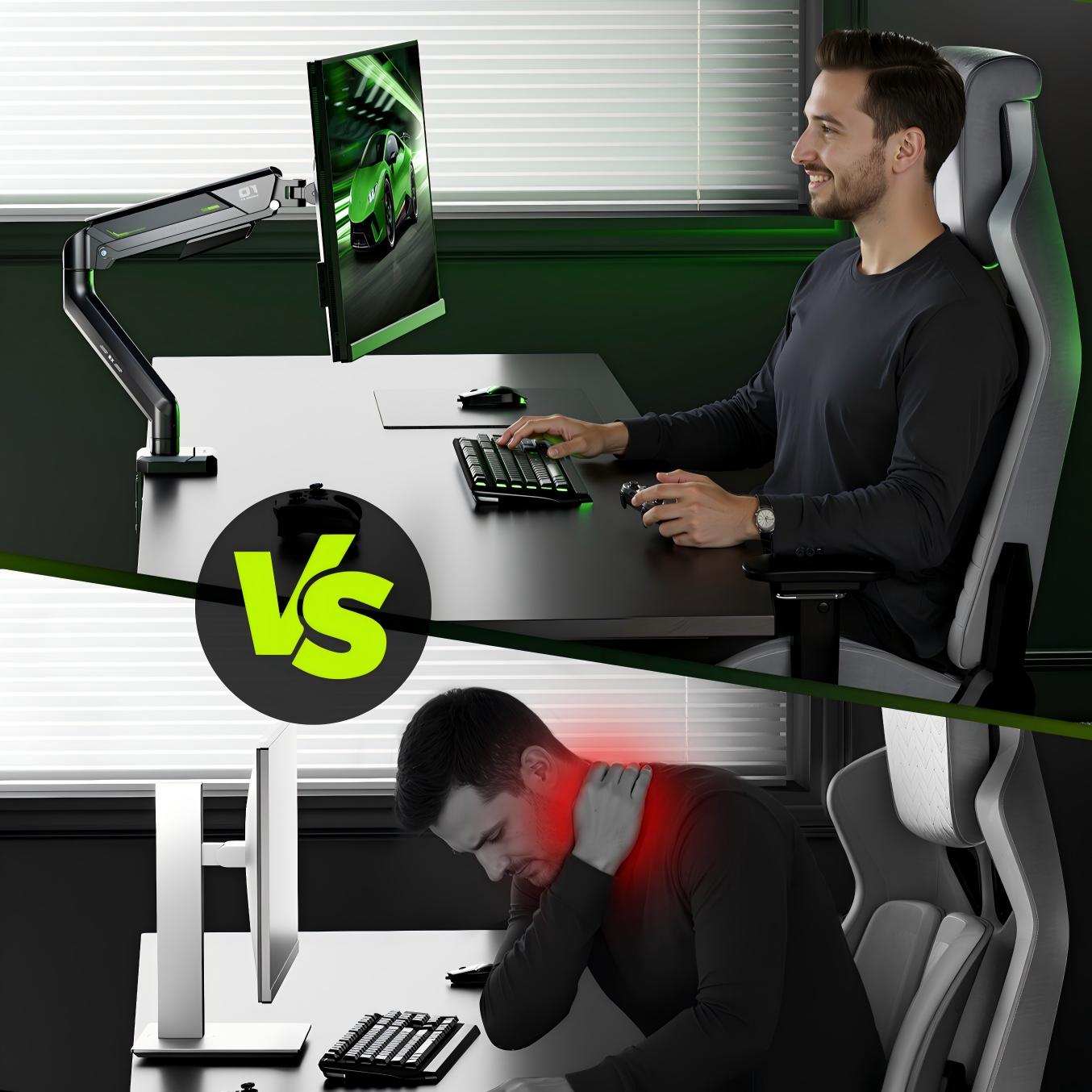
Requires more desk depth and a stronger arm. Wide screens need proper viewing distance (typically 50cm+) to reduce neck strain[3].
Dual Monitors:
Requires more desk width and careful alignment. Screens should be at equal height and angled inward for comfort.

✅ Which Setup Should You Choose in 2026?
Tick all that apply. The setup with more ticks is likely the better fit. If evenly matched, your decision will come down to layout preference and monitor arm configuration.
| What matters most to you? | Ultrawide | Dual |
|---|---|---|
| I want one uninterrupted view with no split in the middle | ✓ | |
| I often keep Discord, OBS, chat, or guides open while gaming | ✓ | |
| My desk is tighter on width than depth | ✓ | |
| My desk is tighter on depth than width | ✓ | |
| I want the cleanest-looking setup possible | ✓ | |
| I prefer keeping one standard 16:9 main gaming screen | ✓ | |
| I want to upgrade gradually instead of replacing my current monitor | ✓ | |
| I care more about immersion than multitasking | ✓ | |
| I rely on a second screen for side tasks every day | ✓ | |
| I want one screen centered directly in front of me at all times | ✓ |
✨ Conclusion
The real win in 2026 is choosing the setup that matches how you actually play. Once that's clear, the right monitor arm helps refine the experience—better positioning, less clutter, and a more natural workflow every day.
[1] https://www.trendforce.com/presscenter/news/20260326-12985.html
[2] https://support-valorant.riotgames.com/hc/en-us/articles/360049670134-Supported-Resolutions-in-VALORANT
[3] https://www.ccohs.ca/oshanswers/ergonomics/office/monitor_positioning.html

Leave a comment
All comments are moderated before being published.
This site is protected by hCaptcha and the hCaptcha Privacy Policy and Terms of Service apply.