

Building a gaming setup is exciting, but it is easy to spend too much on the wrong things first.
A new mouse, flashy keyboard, or extra RGB might look great, but they are not always the upgrades you feel the most. Sometimes, the smartest upgrade is not the gear in your hands, but the one that makes your whole setup feel better.
🛠️Upgrade Your Gaming Setup from the Foundation Up
A premium keyboard will not do much if your monitor is too low, your desk is crowded, or you barely have room to move your mouse. Before upgrading another piece of gear, it makes sense to get the basics right first.
✨Your Best Upgrade Might Not Be in Your Hands
Think of your setup in two parts: the gear in your hands and the space that supports your body.
A high-end mouse or keyboard can improve reaction speed, but your gaming base affects how your whole setup feels every time you play. That is why monitor arms, stands, and ergonomic upgrades are smart first choices: more comfort, more desk space, less strain, and longer focused sessions.
| Category | Typical Gear | Impact on Experience | Priority |
|---|---|---|---|
| Your gaming base | monitor arms, monitor stands, ergonomic setups | Better screen height, more desk space, less neck and shoulder fatigue | Start here |
| Your performance gear | high-end mouse, keyboard, headset | Faster clicks, better control, clearer sound | Upgrade next |
Step 1: Fix Your "Weakest Link"
Before buying another "must-have" gaming accessory, look at your setup and ask one simple question: what feels annoying every time you play?
Maybe your monitor sits too low. Maybe your desk feels messy. Maybe your mouse movement feels restricted during a match.
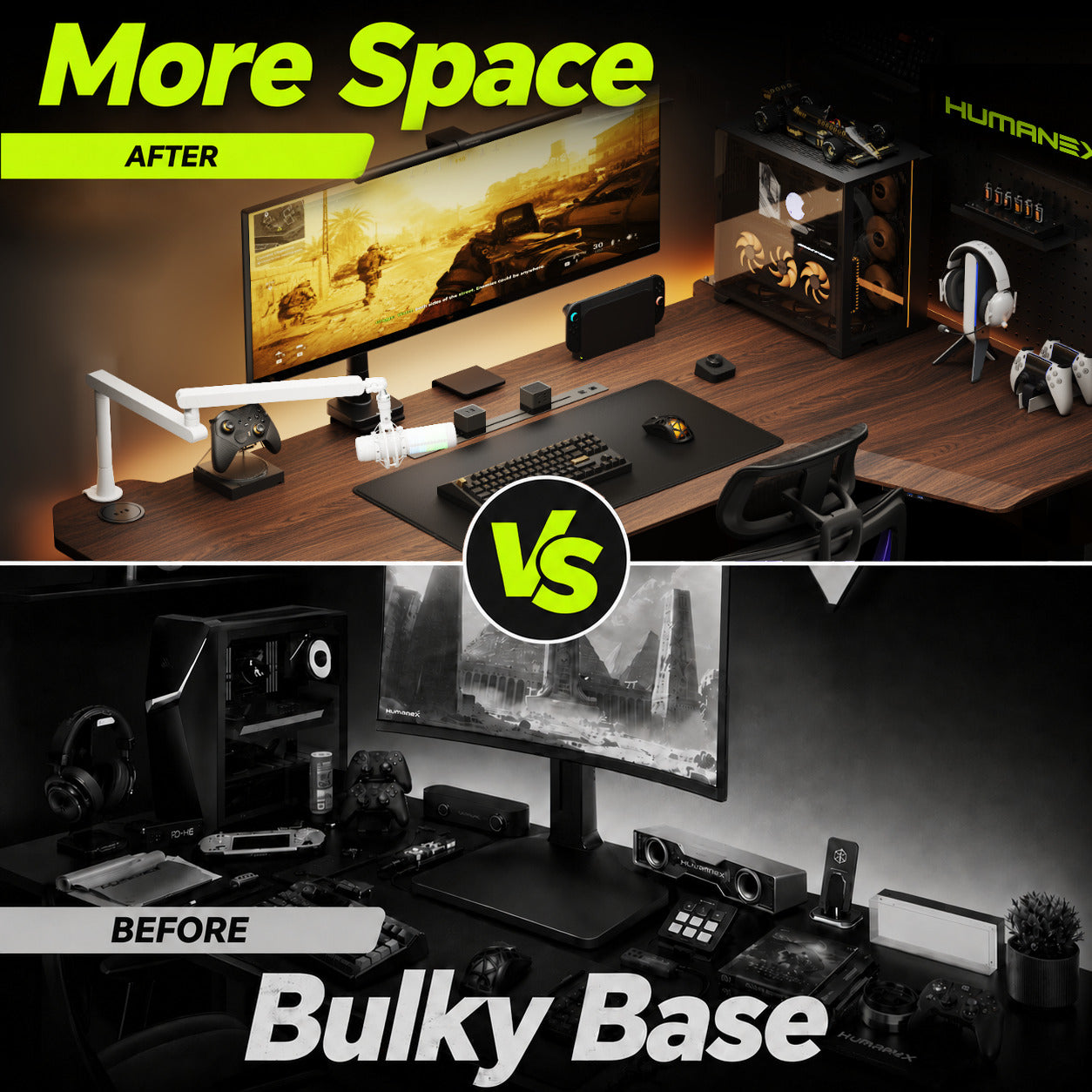
For many players, the real weak spot is not the mouse sensor or keyboard switch. It is how the screen, desk, and body position work together. Raising your monitor to eye level and opening up more desk space can make your setup feel better almost instantly. [1]
Step 2: Make Comfort Part of Your Setup
Your mouse and keyboard help with quick actions, but your monitor height, desk space, and posture affect your whole session.
A monitor arm lifts the screen, clears the desk, and gives your setup more room to breathe. For FPS players, that extra mouse space can make low-DPI aiming feel smoother. For casual players, it simply makes the desk cleaner, calmer, and easier to enjoy.

💰Budget vs Premium — What Actually Changes?
Gaming Gear: Great, But Only Up to a Point
A good keyboard and mouse matter. But once your gear is already responsive and comfortable, spending much more does not always change the way you play. A £100 keyboard and a £300 keyboard may feel different, but the extra cost often goes into RGB, keycaps, branding, or small details you may not notice.
So, if your budget is limited, do not feel pressured to chase the most expensive gear first. Put your money where you will feel the upgrade every day.
Desk Setup: The Upgrade You Feel Straight Away
This is where a better-quality setup can make a real difference.
- Monitor Arm: A Humanex premium monitor arm helps lift your screen to a more comfortable height while freeing up valuable desk space. Instead of working around a bulky monitor base, you get a cleaner surface, more mouse room, and a setup that looks instantly sharper.
With smooth adjustment, strong support, and built-in cable management, it is especially useful for gamers using larger, ultrawide, or curved monitors.

Link: Humanex TX05-1B Premium Monitor Arm
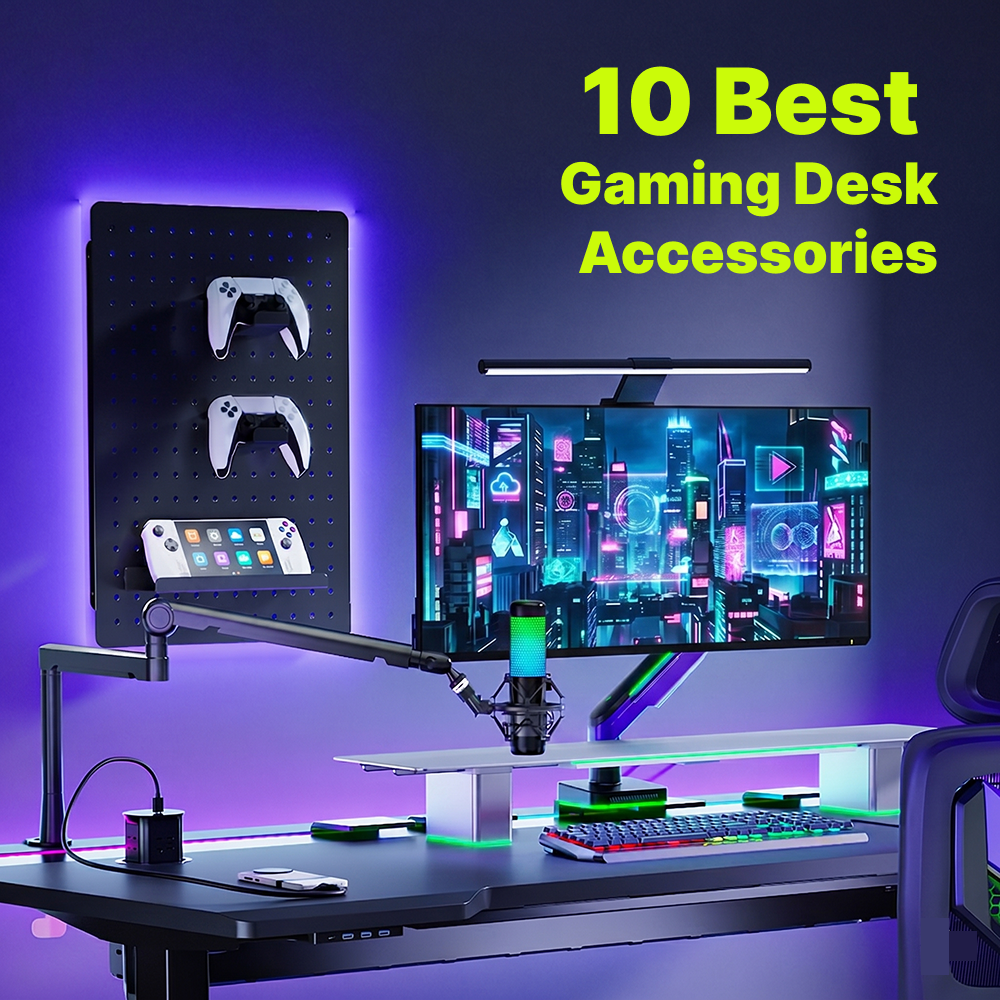
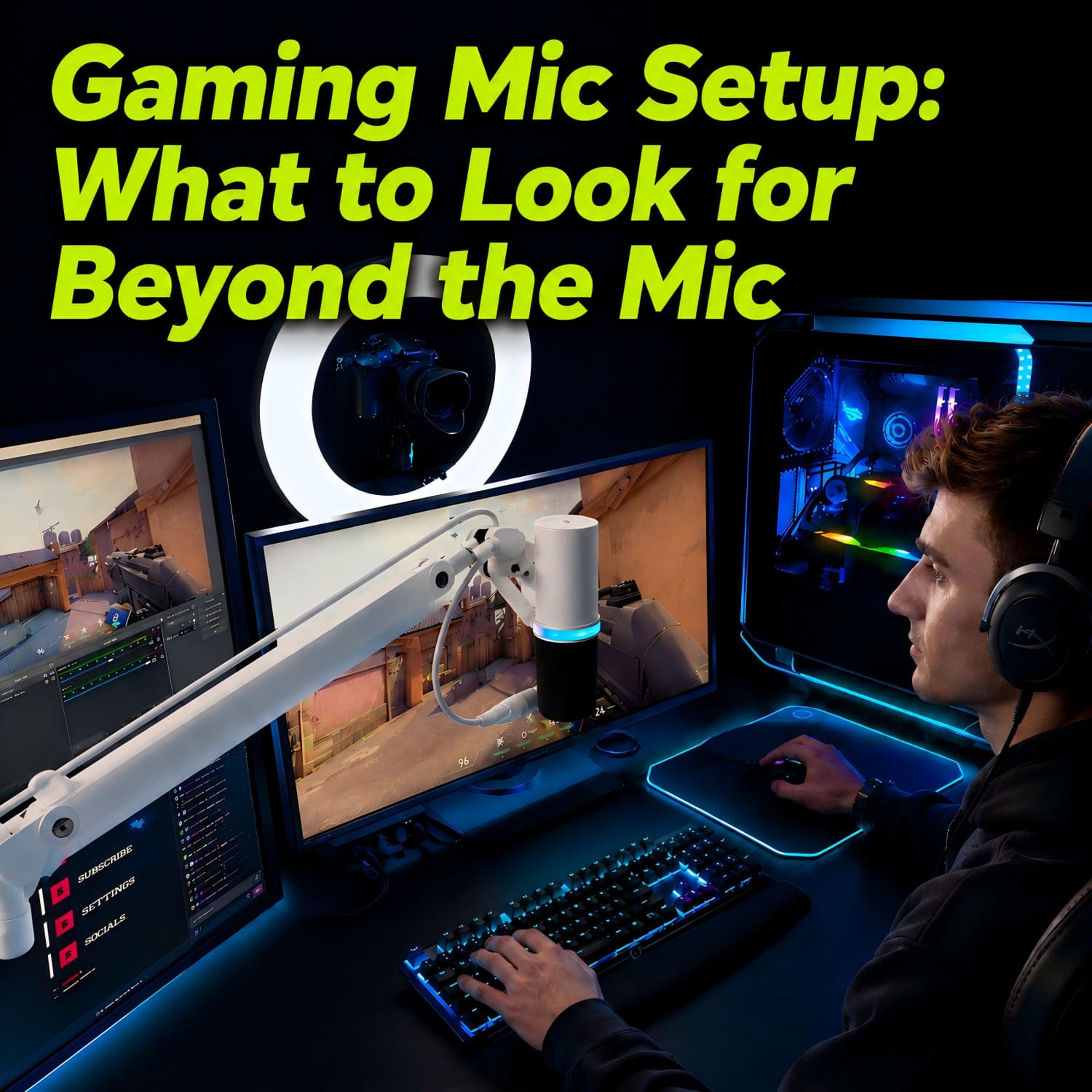
- Microphone Boom Arm: If you stream, record, or chat with teammates often, a microphone boom arm keeps your mic where you need it without adding more clutter to your desk. It helps your setup look cleaner, keeps the mic easy to adjust, and makes gaming, streaming, and voice chat feel more organised.

Link: Humanex Heavy Duty Single RGB Monitor Arm with Mic Arm
- Monitor Stand: A monitor stand is a simple way to lift your screen and add extra storage underneath. It is great for keeping small accessories, a laptop dock, or desk essentials neatly tucked away. It also helps create a cleaner gaming space without making your setup feel complicated.

Link: Humanex DX1-SLL-A RGB Aluminum Monitor Riser
💡Where You Can Save a Little
- Extreme RGB Lighting: RGB can make your setup look amazing, but it will not improve your aim, comfort, or focus. Choose it for style, not as your first upgrade.
- Brand Hype: A good keyboard matters, but once it already feels fast and comfortable, going much higher often means paying more for design, brand name, or small extras.
- Overhyped "gaming" Gear: Not everything with a "Gaming" label is automatically better. Look for features that actually improve your setup, such as comfort, adjustability, stability, or better use of desk space.
🖥️Where It Makes Sense to Spend
- ✅️Monitor Arm: A monitor arm is one of those upgrades you notice without thinking about it. Your screen feels easier to position, your setup looks more put-together, and long sessions feel less awkward. If you want one simple change that makes your gaming space feel more comfortable and flexible, start here.
- ✅️Ergonomic Seating: A supportive chair helps you stay comfortable through longer sessions. Look for lumbar support, adjustable height, and a design that helps your back and shoulders feel relaxed while you play.
- ✅️Desk Setup: A clutter-free desk makes your setup feel better right away. More open space means smoother mouse movement, easier cable management, and less visual distraction during a match.
🎮Build a Balanced Gaming Setup
| Budget Level | Recommended Focus | Example Setup |
|---|---|---|
| Smart Budget | Mid-range wireless mouse + Humanex monitor arm | Logitech G305 Lightspeed Wireless Gaming Mouse + Humanex TX03 Monitor Arm |
| Pro Setup | Flagship peripherals + Humanex premium monitor arm | Razer Viper V3 Pro Wireless Esports Gaming Mouse + Humanex TX05-1B Premium Monitor Arm |
🔧Final Thoughts: Upgrade the Setup, Not Just the Gear
Your gear is what you play with. Your setup is what you play in.
If you want your gaming space to feel better, do not only chase higher DPI, more RGB, or the newest keyboard release. Start with the basics: screen height, desk space, comfort, and cable clutter.
A flexible, organised, and ergonomic desk can make every session feel smoother, whether you are grinding ranked matches, streaming with friends, or just relaxing after work.
Ready to Unlock Your Desk's Full Potential?
Do not let a bulky monitor base take over your desk.
Discover how a Humanex monitor arm can lift your screen, clear your space, and make your gaming setup feel cleaner, sharper, and more comfortable.

Leave a comment
All comments are moderated before being published.
This site is protected by hCaptcha and the hCaptcha Privacy Policy and Terms of Service apply.