

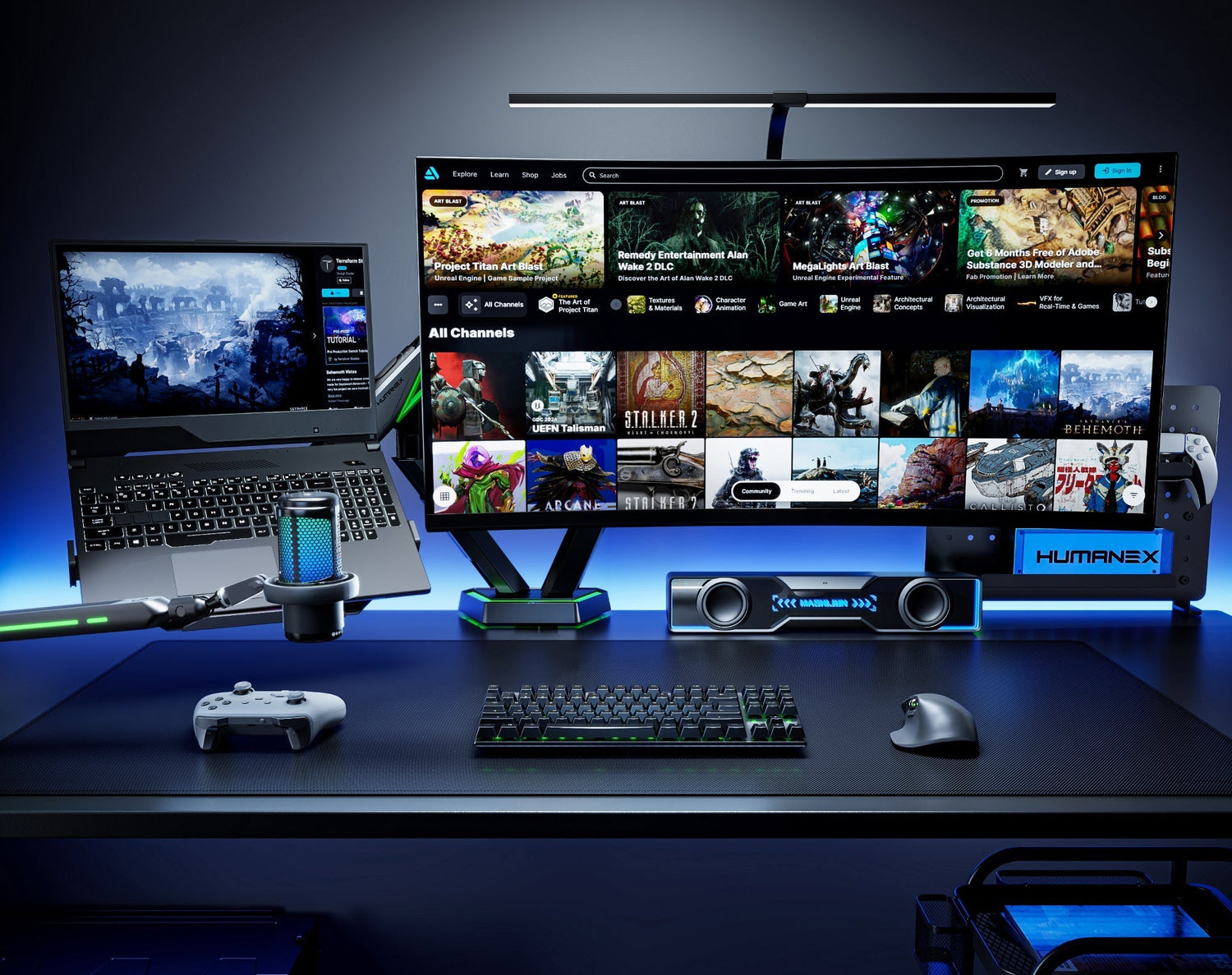
The Silent Killer of Focus
Do you find yourself battling neck strain or constantly losing focus by mid-afternoon? We invest heavily in high-performance PCs and huge monitors, yet often overlook the ultimate productivity bottleneck: the desk setup itself. A poor arrangement doesn't just impact your health; it silently drains your concentration and wastes valuable time.
The good news is that by consciously upgrading and organizing your workspace, you can unlock a massive jump in personal and professional efficiency.
I. Ergonomics: Converting Comfort into Concentration
The Problem: Incorrect monitor height and viewing angle force you to hunch forward, putting chronic strain on your cervical spine, shoulders, and lower back. This discomfort is the primary source of mental distraction.
The Solution: Invest in a fully adjustable monitor arm.
-
Neutralize Neck Strain: A quality arm allows you to align your screen instantly at eye-level, keeping your head in a neutral position. Research consistently shows that for every inch the head moves forward from its neutral alignment, the force exerted on the neck muscles increases by approximately 10 pounds (4.5 kg).
-
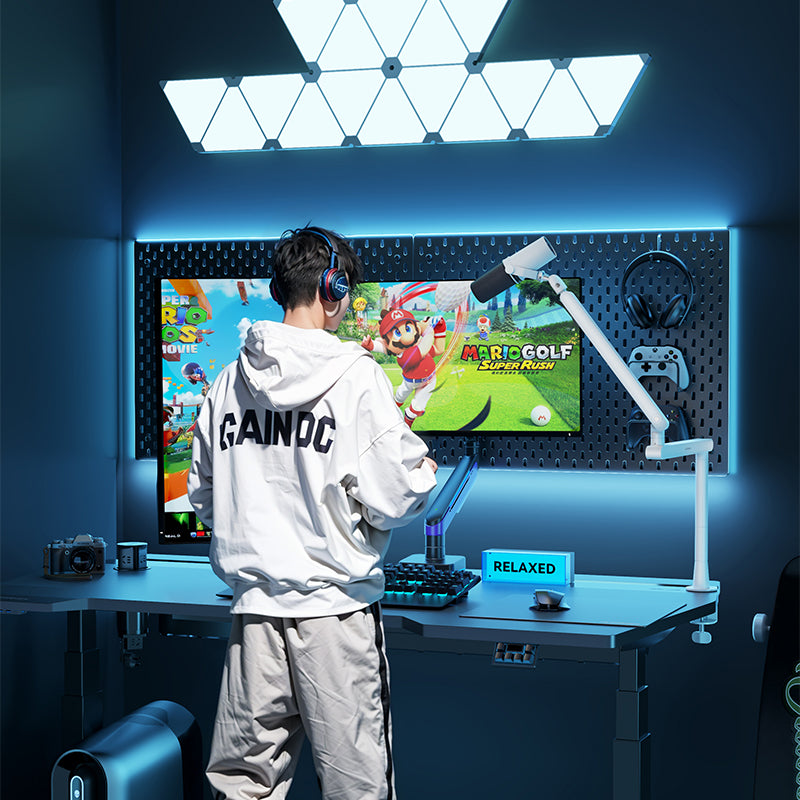
Optimize Sightlines: An ideal arm offers a generous tilt range, ensuring you find the most comfortable sightline whether you are sitting or standing.
💡 Key Takeaway: Comfort is not a luxury; it is the foundation of productivity. The more physically comfortable you are, the more mental energy you have left for complex work.
II. Reclaiming Space: Creating a “Zero-Distraction” Environment
Clutter is the enemy of focus. A messy desk is an undeniable source of distraction.
The Solution: Maximize your vertical space.
-
Declutter the Base: Mounting your display frees up the footprint of the monitor stand. Studies from the Princeton University Neuroscience Institute indicate that physical clutter in your surroundings competes for your attention, increasing your brain's cognitive load and reducing your ability to focus.
-
Master Cable Management: Use built-in cable clips and routing channels to hide every wire. Vertical storage tools, like pegboards, can keep peripherals organized and off the surface.
-
The Value of Clarity: A clean, open desk leads to clear thinking. Research shows that, on average, office workers spend up to 1.5 hours per day searching for lost items on a messy desk. The cleaner your workspace, the less time you waste.
III. Command and Control: Elevating Multitasking
For professionals managing code, design files, or complex spreadsheets, seamless multitasking is non-negotiable.
The Solution: Achieve robust, dynamic support for multiple or oversized displays.
-
Multi-Monitor Gains: Studies compiled by Jon Peddie Research report that users of dual monitors estimate productivity gains averaging 42% over single-screen setups. To manage this added screen real estate effectively, mobility is key.
-
Dynamic Ergonomics: For those running colossal ultra-wide setups (like 57-inch screens), you need the uncompromising strength of a professional heavy-duty solution—such as the Humanex TX-05. This ensures you can dynamically adjust your massive screen's position without sacrificing safety or stability.
Conclusion: Investing in Your Desk is Investing in Your Output
A good desk setup is more than just aesthetics; it is the infrastructure for your daily productivity. By investing in the correct ergonomic tools, you are investing in your health, concentration, and time.
Don't let your efficiency be limited by a fixed stand.
➡️ Upgrade your workstation today: See how Humanex monitor arms can solve your biggest desktop challenges!
🔗Humanex.uk

Leave a comment
All comments are moderated before being published.
This site is protected by hCaptcha and the hCaptcha Privacy Policy and Terms of Service apply.