

Introduction: The Standing Desk's Hidden Flaw
You’ve likely invested in a sleek standing desk, and you’re enjoying the health benefits that come with switching between sitting and standing throughout your workday. Congratulations—you’ve taken the first step toward superior ergonomics!
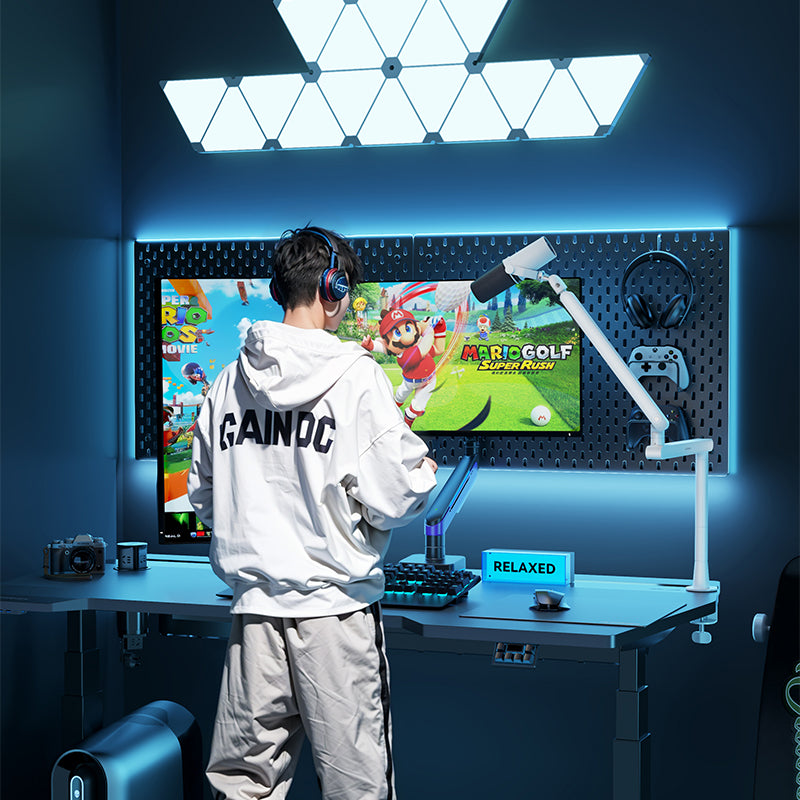
However, if your monitor is still resting on its original stock base, your standing desk experience is incomplete—and potentially detrimental to your posture. A standing desk only reaches its full health potential when paired with a high-performance monitor arm.
This article explains why the Humanex Monitor Arm is the "salvation" for standing desk users, detailing how it solves the three most common hidden flaws in an otherwise great setup.

Section I: The Core Pain Point: The "Always Wrong" Screen Distance and Angle
The core value of a standing desk is variable height, but this variability introduces a unique challenge for your monitor's position.
1. Solving the Distance Inconsistency Problem
-
The Flaw: When transitioning from sitting (where the screen is usually closer) to standing (where the screen is typically slightly further away), the monitor's depth and angle become instantly sub-optimal due to your body's positional change.
-
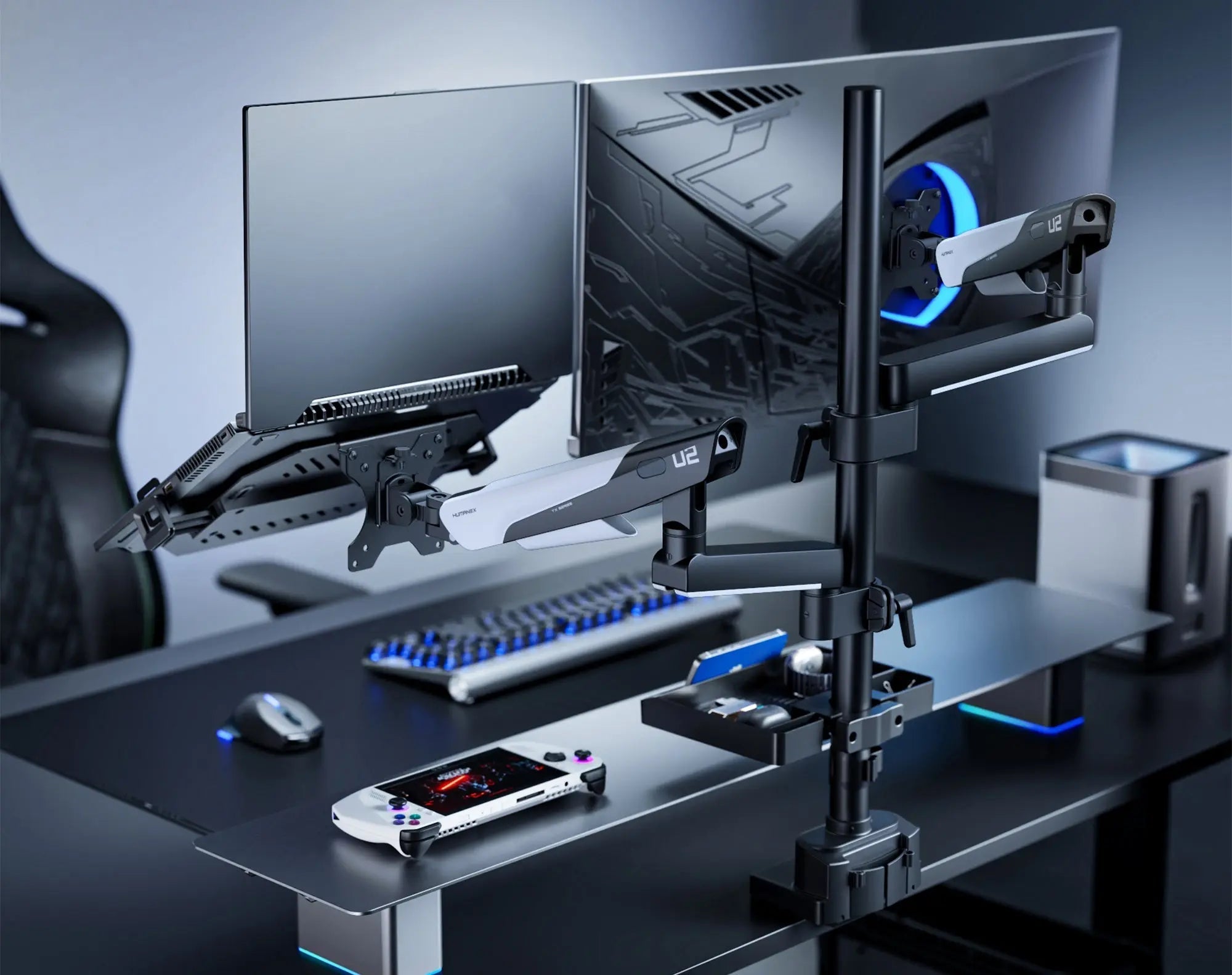
The Humanex Advantage: A Humanex Monitor Arm (like the TX-02/TX-03) allows for effortless depth and angle micro-adjustment. While standing, you can easily pull the monitor closer or push it further away to maintain a consistent, comfortable focal distance, all without needing to move the entire desk.
2. Achieving "One-Touch" Sit-to-Stand Ergonomics
-
The Flaw: Stock bases cannot quickly adjust to both the optimal sitting eye-level and the optimal standing eye-level. Adjusting manually is time-consuming and disruptive.
-
The Humanex Advantage: Utilizing our gas spring mechanism, once the tension is set, you can use one finger to simultaneously fine-tune the screen height as the desk moves. This ensures the center of the screen always aligns perfectly with your eye level, regardless of whether you are sitting or standing.

Section II: Eliminating Vibration and Maximizing Aesthetic Space
A standing desk's mechanical structure can, especially during movement, generate minor vibrations—a disruptive factor for a stable work environment.
1. Isolating Visual Interference from Vibration
-
The Flaw: When the monitor base sits directly on the desktop, the low-frequency vibrations generated by the motor during height adjustments are transmitted straight to the screen, causing visible screen wobble.
-
The Humanex Advantage: The monitor arm suspends the display and uses a C-clamp or grommet mount, which effectively absorbs and isolates the desktop vibrations. Whether you are typing heavily or actively changing the desk height, the screen remains relatively stable, ensuring a more focused workspace.
2. Reclaiming Space from "Double Clutter"
-
The Flaw: A standing desk already consumes floor space; if the monitor's stock base then occupies a large area of the desktop, it leads to a double waste of precious real estate.
-
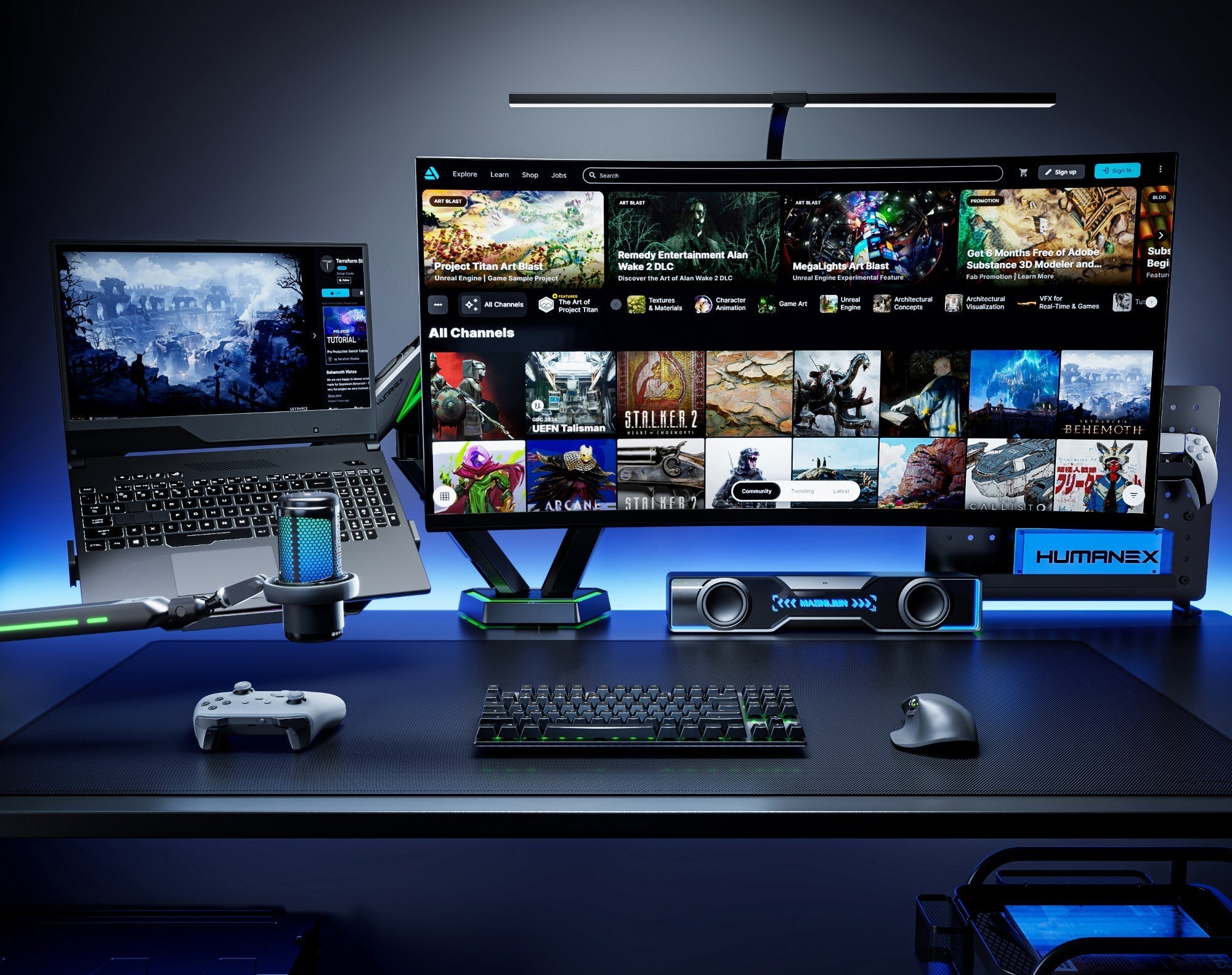
The Humanex Advantage: By removing the base, the arm frees up to 30% of your usable desktop area. This newly reclaimed space is essential for organizing notebooks, accessories, or simply providing room for Humanex's TX-03 RGB lighting to shine.
Section III: Maximizing Efficiency and Health ROI
The monitor arm significantly enhances the return on investment (ROI) of your standing desk, upgrading it from a simple "health product" to a powerful "efficiency tool."
1. Seamless Multi-Screen Workflow
For users requiring multiple monitors (like those using the Humanex TX-03 Dual Arm), the monitor arm is the only reliable solution on a standing desk. It guarantees that two or more screens maintain perfect alignment and angle consistency in both sitting and standing positions.
2. Maximizing Your Health Investment
You purchased a standing desk for your health; the monitor arm is the key to ensuring that health investment is actually effective. It guarantees that you adhere to ergonomic standards in all postures, preventing you from leaning forward or craning your neck while standing to get closer to the screen.
Conclusion: The Monitor Arm is the Standing Desk's "Perfect Final Touch"
Don't let your investment in your health stop at the desk itself.
The monitor arm solves the three core standing desk flaws: vibration, distance, and angle. The Humanex TX-02/TX-03, with its powerful gas spring and stable structure, is the perfect partner for your variable-height workstation.
🔥 Upgrade your Monitor Arm and make your standing desk truly complete!
https://www.humanex.uk/

Leave a comment
All comments are moderated before being published.
This site is protected by hCaptcha and the hCaptcha Privacy Policy and Terms of Service apply.